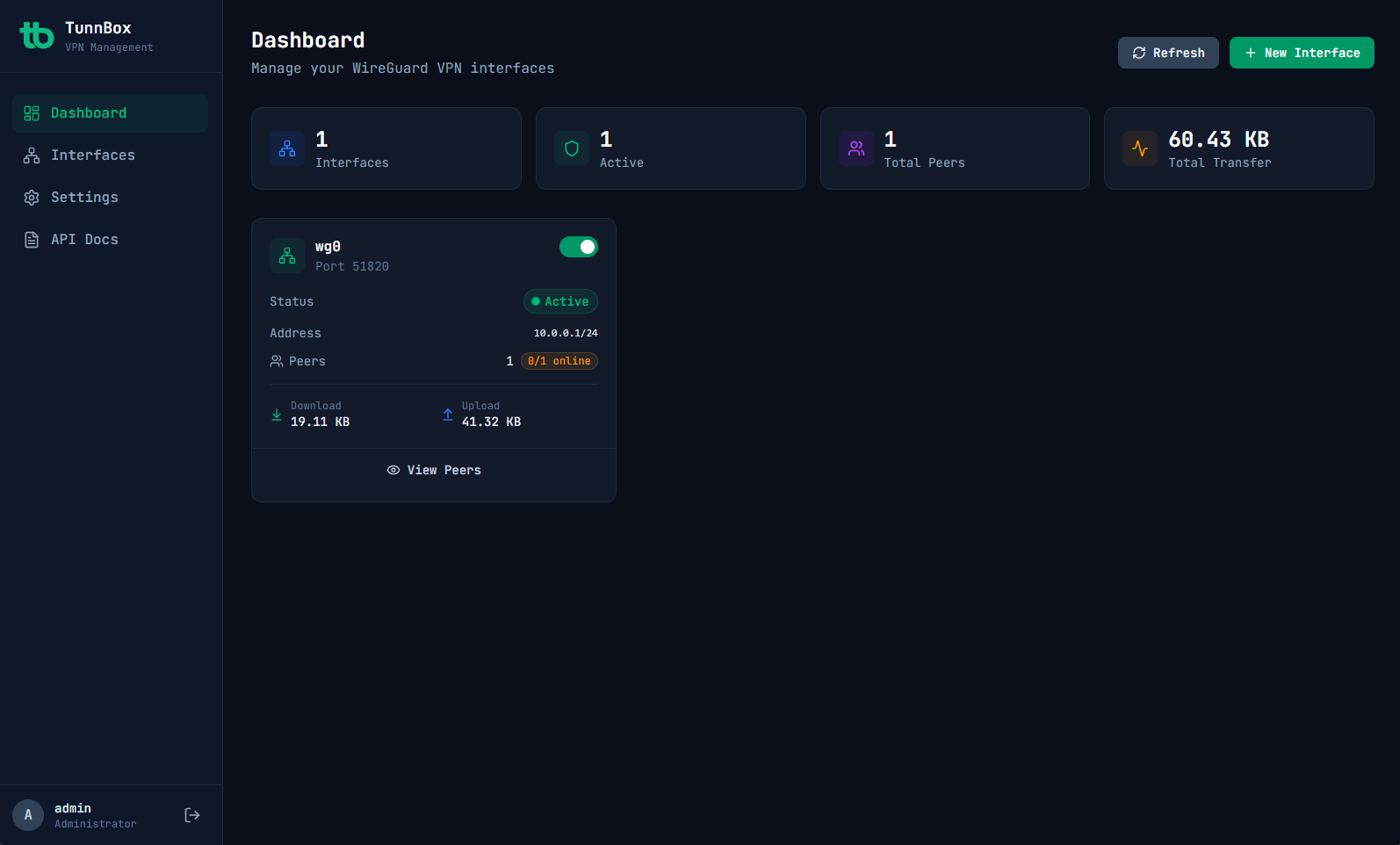
The modern, secure, and beautiful way to manage your VPN server. Built for speed, designed for humans.
Comprehensive tools for deployment, monitoring, and security.
Stop wrestling with config files. Manage your entire VPN infrastructure from a beautiful UI.
Visualize traffic flow and connection health in real-time. Never guess about status again.
Enterprise-grade protection baked in by default. Sleep soundly knowing your network is hardened.
Built on a modern, high-performance stack that integrates perfectly with your tools.
No complex setup. Just Docker.
Create a folder for your configuration.
mkdir tunnbox && cd tunnbox Download the environment file, generate a secret key, and set your server's public IP.
curl -o .env https://raw.githubusercontent.com/pgorbunov/tunnbox/v1.0.0/.env.example
# Generate a unique secret key
SECRET_KEY=$(openssl rand -hex 32)
sed -i "s/^SECRET_KEY=.*/SECRET_KEY=$SECRET_KEY/" .env
# Set your server's public IP or domain
sed -i "s/^WG_DEFAULT_ENDPOINT=.*/WG_DEFAULT_ENDPOINT=your.server.ip/" .env Use our pre-built Docker image.
docker compose up -d